
This guide will help you how to play with the new 2026 version of CS:GO
Follow these steps one at a time.
1) STOP the server
2) Go to Set SteamApp ID
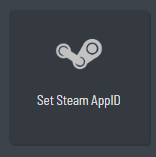
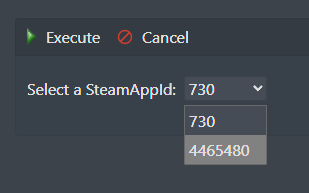
3) Select the "4465480" and execute.
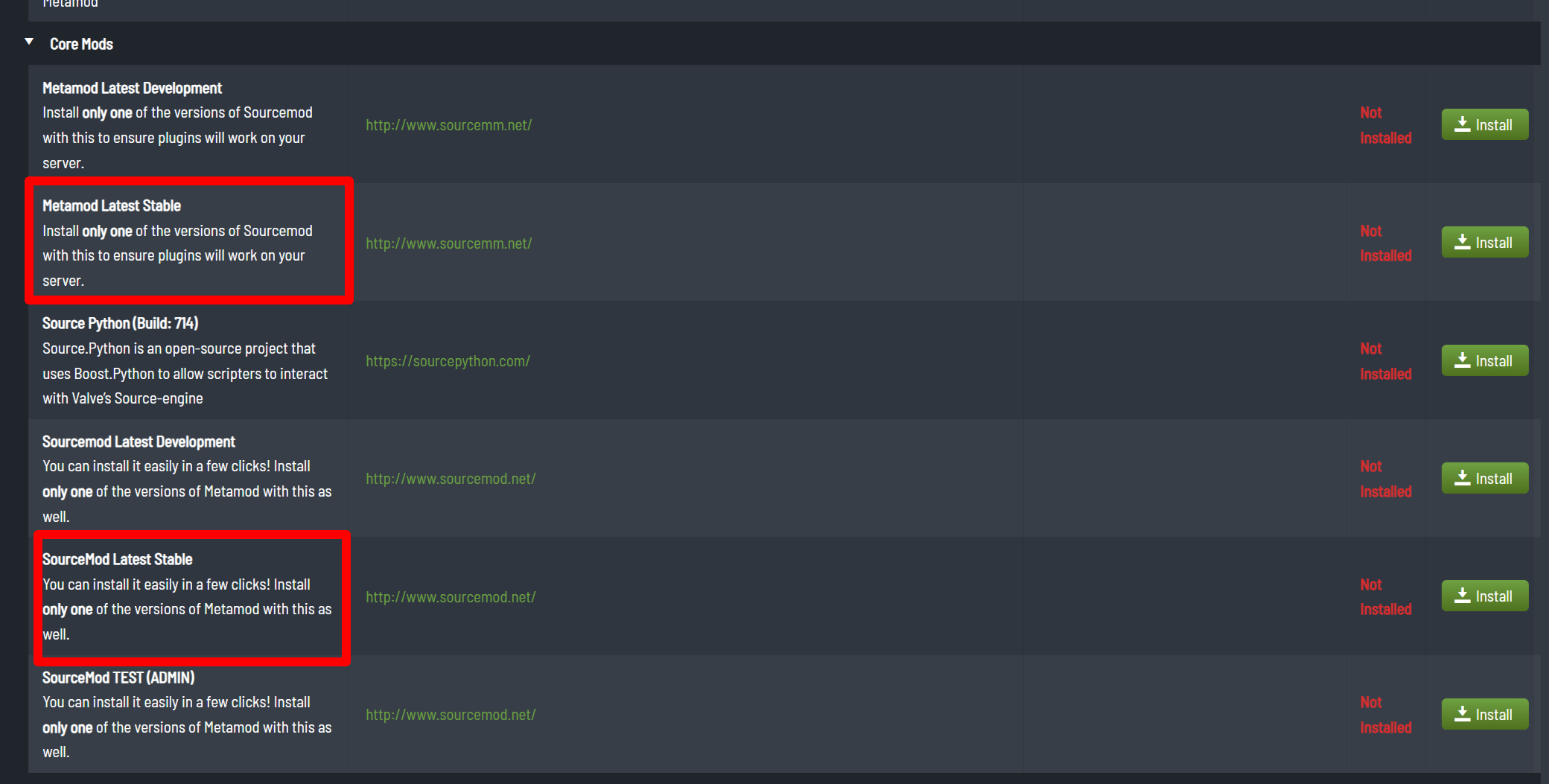
4) Go to Mod Manager.
- Install the latest Metamod Latest
- Install the SourceMod Latest
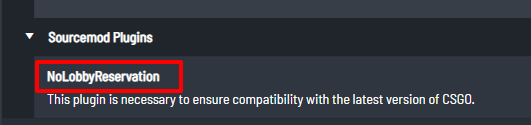
- Install the NoLobbyReservation
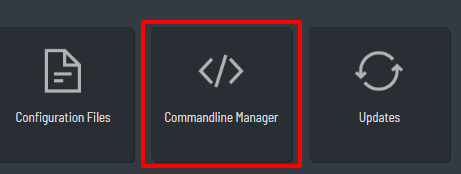
5) Go to Commandline Manager
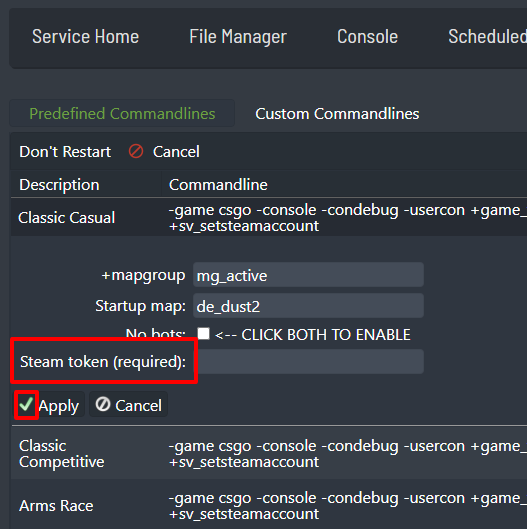
6) Set a "NEW" Game Server Login Token (GSLT) for your preferred command and hit SAVE.
"Click here to check our guide for getting a STEAM TOKEN"
7) Start the server!
