
1. Login to your game panel and click on 'Mod Manager'.
2. Find where it says MySQL Database and click 'Install'.
3. It will now install and attach a MySQL Database to your account. Once it has completed the install, click 'Ok' and head back to your game server (where it says Stop/Start/Restart).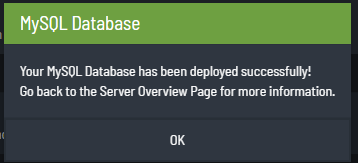
4. You will now see 4 new options in your game panel as shown in the image below.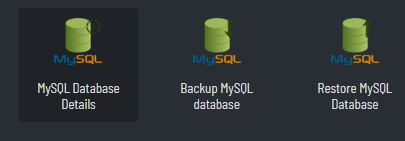
5. To get your MySQL Database details simply click on the button that says 'MySQL Database Details' and it will display your details. Insert those details into the corresponding configs for your server to use.
Most Popular Articles
"Connections will be restricted to LAN only"
CS:GO requires that you use a token to pair your steam account to your server, without this you...
New Player List Setting
The recent CS:GO has changed the way that servers are viewable by other players. By default, your...
Force 128 Tick Rate for players
When you order a Counterstrike: Global Offensive Server, by default, that server is set to 128...
How to backup & restore my MySQL Database
You must first install a MySQL Database onto your game panel to continue with this tutorial.Go...
Add yourself as admin
Make sure you have Sourcemod and Metamod installed on the server before you can add yourself as...
