
This guide will help you figure out how to connect to your StarRupture server!
Step 1: Launch the Game
-
Open Star Rupture on your PC.
-
Before joining, note that the game requires a password for server access.
Setting Up the Server
-
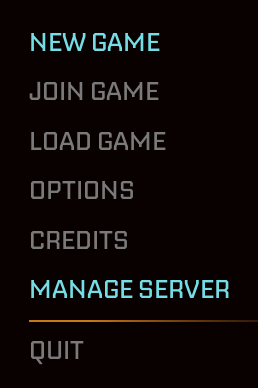
Click Manage Server in the game menu.
-
Enter your IP:Port details.
-
You’ll be prompted to create a password.
-
Save the password securely — you’ll need it to connect later.
Step 2: Join the Dedicated Server
-
From the main menu, click Join Game.
-
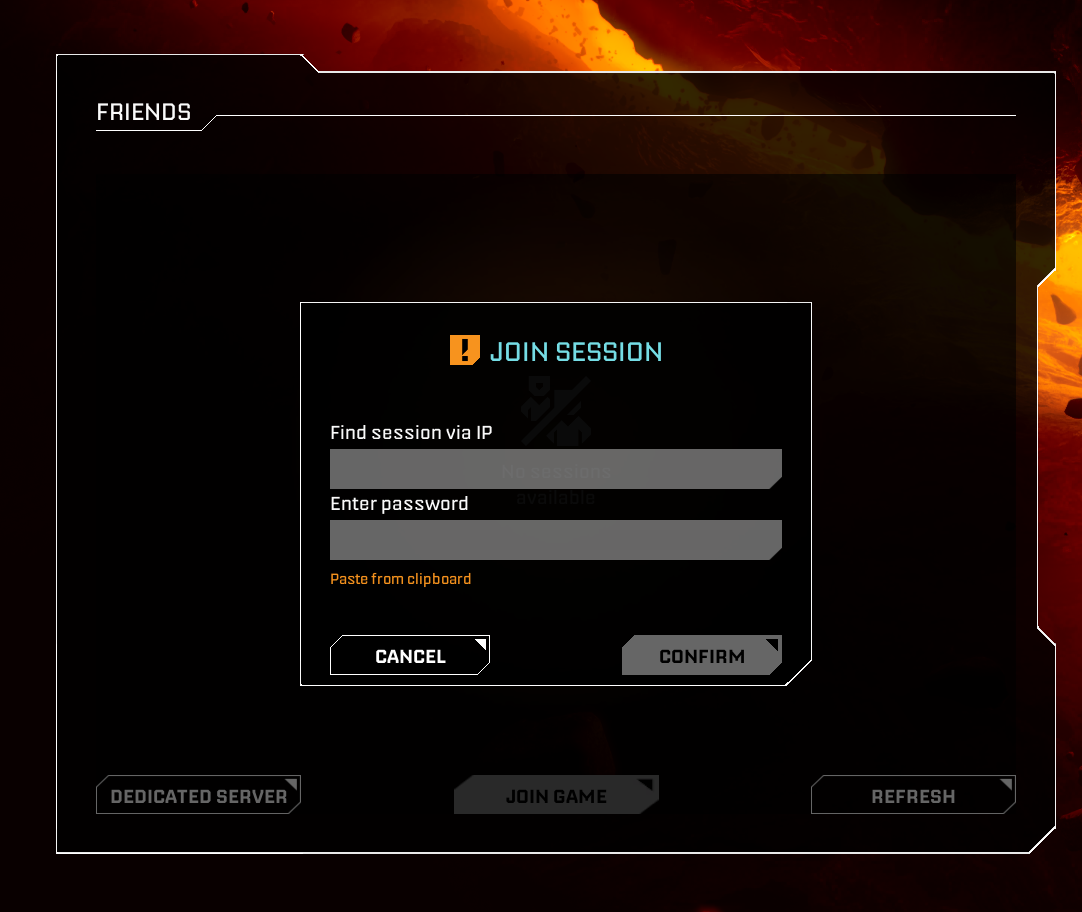
Select Dedicated Server.

Step 3: Connect to Your Server
-
Enter your IP:Port again.
-
Type in the password you created.
-
You’re now connected to your server!
Order your StarRupture server today: Click Here!
